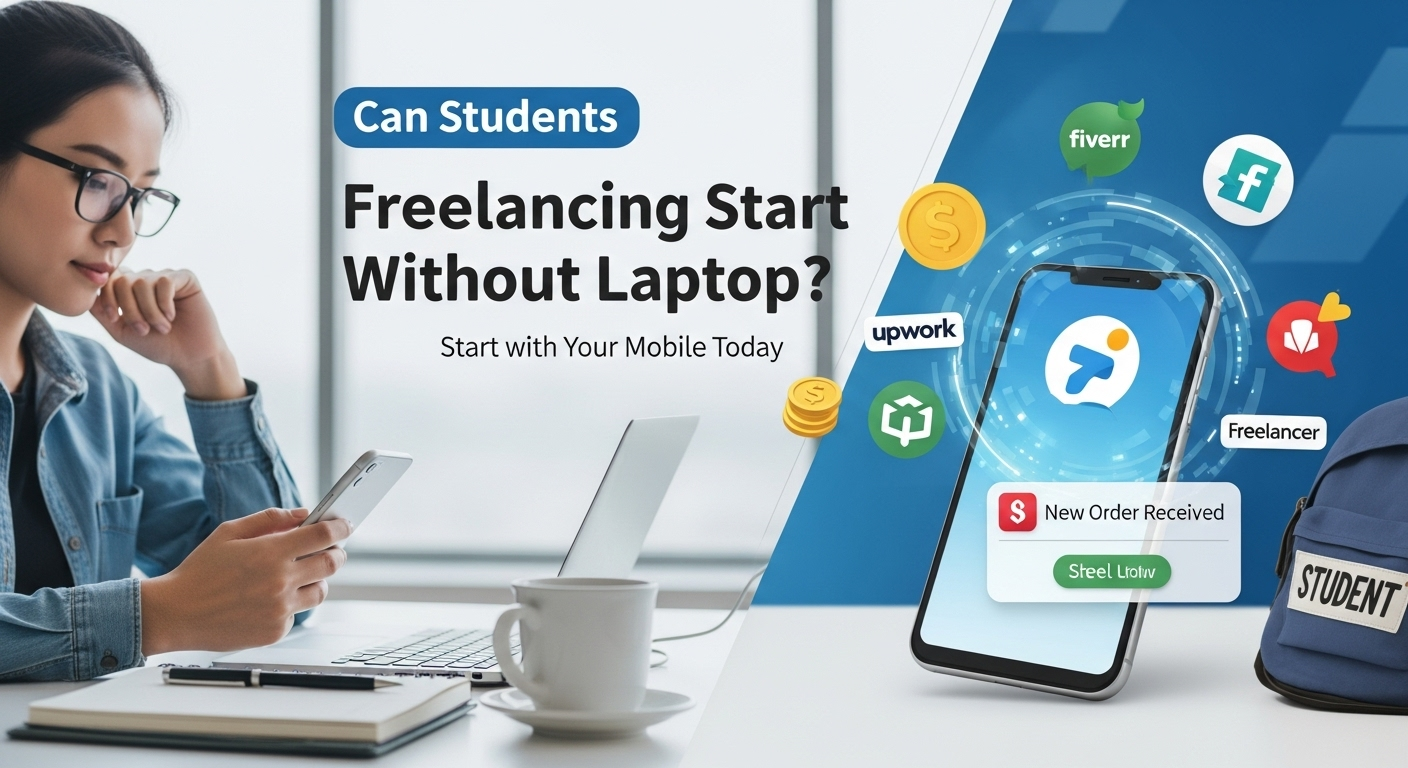
Have you ever wondered, “Can I start freelancing without a laptop?” If you’re a student who dreams of earning online but doesn’t own a computer, you’re not alone. Many young freelancers in Pakistan, India, and across the world are starting their freelance journeys using just their mobile phones. The good news is — yes, it’s possible to start freelancing without a laptop, but it requires smart planning, the right apps, and strong dedication.
In this article, we’ll discuss how students can start freelancing using their smartphones, the best freelancing platforms for mobile, and a few practical tips to grow your career until you’re ready to upgrade to a laptop.
Why Students Want to Freelance Without a Laptop
Freelancing offers freedom — you can work from anywhere, anytime, and earn based on your skills. But many students face one common challenge: not owning a laptop. Buying one can be expensive, especially for those who are still studying.
Thankfully, technology has made things easier. With powerful smartphones and mobile-friendly freelance apps, students can now create gigs, chat with clients, and even deliver simple projects — all using their phones.
Can You Really Do Freelancing Without a Laptop?
Yes, you can — but it depends on the type of freelance work you choose. Not all jobs require a computer. Some freelancing categories are perfectly suited for mobile work.
Examples of Freelancing Work You Can Do on Mobile:
- Content Writing: Use Google Docs or Microsoft Word app to write and edit articles.
- Social Media Management: Manage clients’ Instagram, Facebook, or TikTok accounts directly from your phone.
- Virtual Assistance: Handle emails, scheduling, and customer replies through apps.
- Graphic Design: Use apps like Canva, Pixellab, or Adobe Express to create stunning visuals.
- Online Tutoring: Teach students using Zoom or Google Meet on mobile.
If you’re just starting, these mobile-friendly freelance jobs are perfect to build your profile and gain client experience.
How Can a Student Start Freelancing with a Mobile Phone?
Here’s a step-by-step guide for students who want to start freelancing without a laptop:
Check Here: Can AI Replace Freelance Writers?
Step 1: Identify Your Skill
Think about what you’re good at. Writing, editing videos, managing social media, or even voice-over work — all can be done with a phone. Choose one skill and practice it daily.
Step 2: Create a Professional Profile
Download mobile apps for platforms like Fiverr, Upwork, or Freelancer. Create an attractive profile with your photo, short bio, and portfolio (you can use screenshots or mobile-created samples).
Step 3: Offer Small Services
Start small — offer gigs that don’t require heavy software. For example:
- “I will design a social media post using Canva”
- “I will write 500 words for your blog from mobile”
Step 4: Use Free Tools
Use free mobile tools to make your work easier:
- Canva / Pixellab: For design
- Google Docs: For writing
- Grammarly Keyboard: For grammar checking
- CapCut / InShot: For video editing
Step 5: Communicate Professionally
Always reply to client messages on time. Use the Fiverr or Upwork app to stay active and available.
Advantages of Starting Freelancing Without a Laptop
Starting freelancing on a mobile phone gives you a head start while you save for a laptop. Here are a few benefits:
- Low investment: No need for expensive equipment.
- Flexible learning: You can work from college, home, or even while traveling.
- Skill growth: You’ll learn how to manage clients and improve productivity early on.
Once you start earning, you can reinvest your income into buying a laptop — that’s how most successful freelancers begin.
Challenges You May Face
While freelancing from mobile is possible, it has some limitations:
- Limited screen size for editing complex projects.
- Harder to multitask or use advanced tools.
- File uploading and formatting can take more time.
However, these challenges can be managed if you stay consistent and focused.
Pro Tip: Upgrade Gradually
Use your first few freelance earnings to save for a budget laptop. Even a basic model will unlock more earning opportunities, like web development, SEO, video editing, or advanced design.
This gradual upgrade will help you grow from mobile-level freelancing to a full-time online career.
Final Thoughts
So, can students start freelancing without a laptop? Absolutely! Your smartphone is powerful enough to help you start earning today. What matters most is your skill, consistency, and mindset.
Remember — every big freelancer started small. Use your mobile to practice, learn, and earn. When you stay focused and deliver quality work, clients won’t care whether you used a laptop or a phone — they’ll only care about your results.